Google review link for free
Paste your business link from Google Maps. In a second you get a direct link to write a review and a QR code. Customers no longer have to search – the star rating form opens straight away.
How to get the link from Google Maps
You do not need access to your Google Business Profile. Just find your business in Maps.
On a phone
- 1Open the Google Maps app.
- 2Search for your business and open it.
- 3Tap Share → Copy link.
- 4Paste it into the converter above.
On a computer
- 1Open google.com/maps.
- 2Find the business and click it in the list.
- 3Copy the whole address from the address bar.
- 4Paste it into the converter above.
Frequently asked questions
Everything about Google review links in one place.
Is the Google review link generator free?
Yes. You can create the link and QR code for free, without signing up and without limits. The link is yours and works for as long as your Google business profile exists.
How do I get the Google Maps link to my business?
Open Google Maps, find your business, tap Share and choose Copy link. On a computer, copy the address bar while your business is open. Both kinds of link work here.
What is a Google Place ID?
A Place ID is the unique identifier of a place in Google Maps and usually starts with “ChIJ”. The direct review link is built from it as search.google.com/local/writereview?placeid=…, which opens the star rating form straight away.
Does the link work on iPhone and Android?
Yes. On Android the form opens in the Google app or the browser, on iPhone in Safari. The customer needs to be signed in to a Google account; otherwise Google asks them to sign in first.
Where should I use the review link?
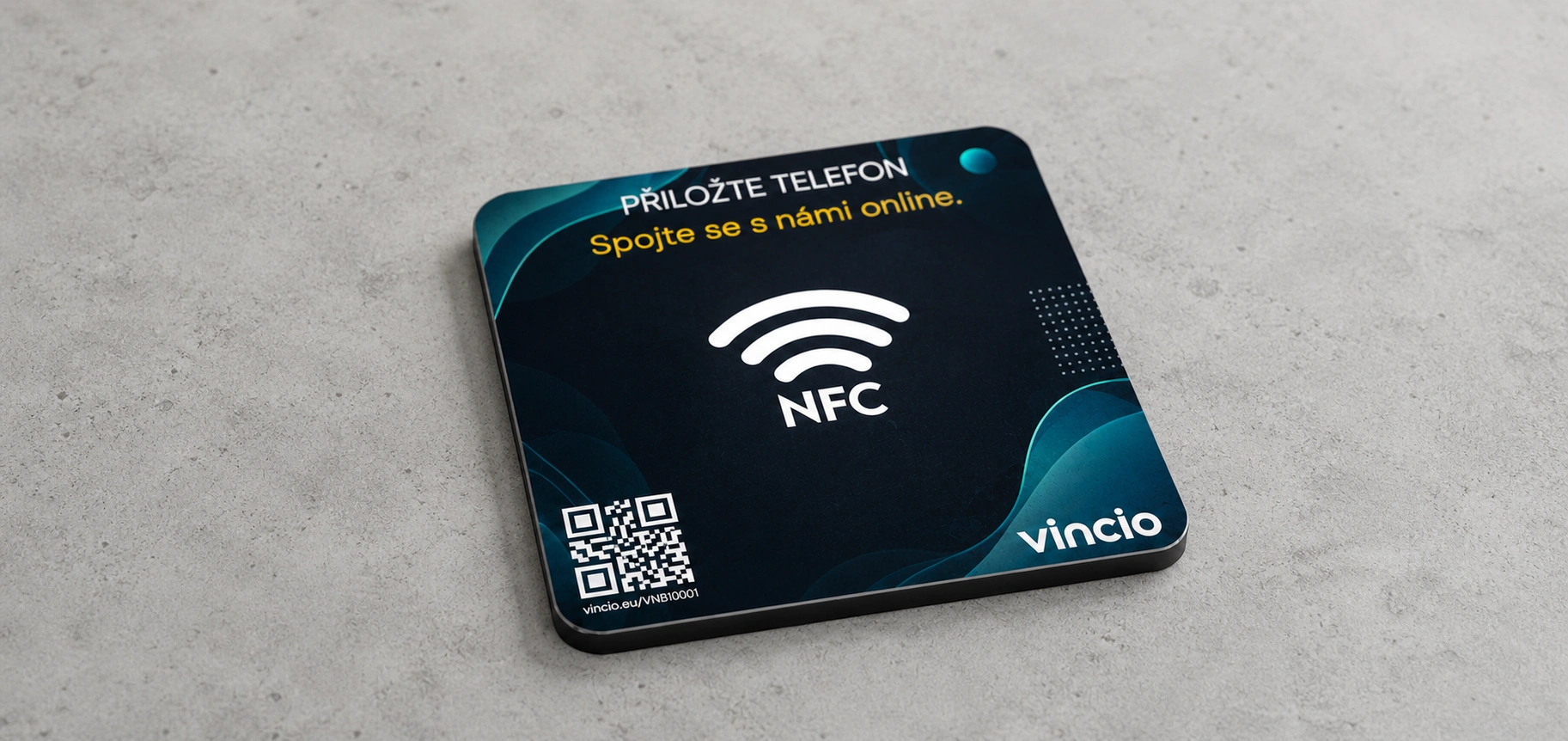
In the email after a purchase, an SMS after a visit, on receipts, business cards, your email signature, your website or Instagram bio. On counters and tables an NFC stand with a QR code works best – customers just tap their phone.
Am I allowed to ask customers for reviews?
Yes, Google explicitly allows it. You must not offer rewards or discounts for reviews, send the link only to happy customers or write reviews on their behalf. Ask everyone the same, neutral way.
How do I create a QR code for Google reviews?
The QR code appears right under the converted link. Download it as a PNG and print it. Test it with at least two phones before printing and leave a white margin around it.
For a detailed guide read How to turn a Google Maps link into a direct review link.