Free Google rating widget for your website
Show your website visitors your Google stars and review count, complete with a direct button to leave a review. Updates automatically every day.
Why display Google ratings on your website
Website visitors decide the same way they do on Maps: by star rating and review count.
Instant trust at first glance
Verified Google ratings nobody can fake build far more trust than generic testimonials.
More new reviews
The button opens your Google review form directly so happy customers never have to search.
Set and forget
Paste the snippet once. Both rating and review count refresh automatically every day.
How to add the widget to your site
The embed code sent to your inbox looks like this. Paste it wherever you want your rating to appear:
<div class="vincio-rating" data-widget="0123456789abcdef">Rating na Googlu · <a href="https://www.vincio.eu/widget-hodnoceni/">Vincio</a></div>
<script src="https://www.vincio.eu/api/rating-widget-js.php" async></script>
WordPress
In the page editor, add a “Custom HTML” block, paste the snippet, and update the page. For footers or sidebars, use a Custom HTML widget in Appearance → Widgets.
Wix
Click Add → Embed Code → Embed HTML, paste the snippet into the code box, and resize the frame to roughly 360 × 240 px.
Webnode
Add an “HTML” content block to your page and paste the snippet. Custom HTML is available on paid Webnode plans.
Shoptet
In admin, open Appearance & Content → Editor → HTML Codes and paste the snippet where you want the widget to appear, such as the footer.
Other websites
Squarespace (Code block), Webflow (Embed), Shopify, or hand-coded HTML sites: paste the snippet wherever the rating should appear.
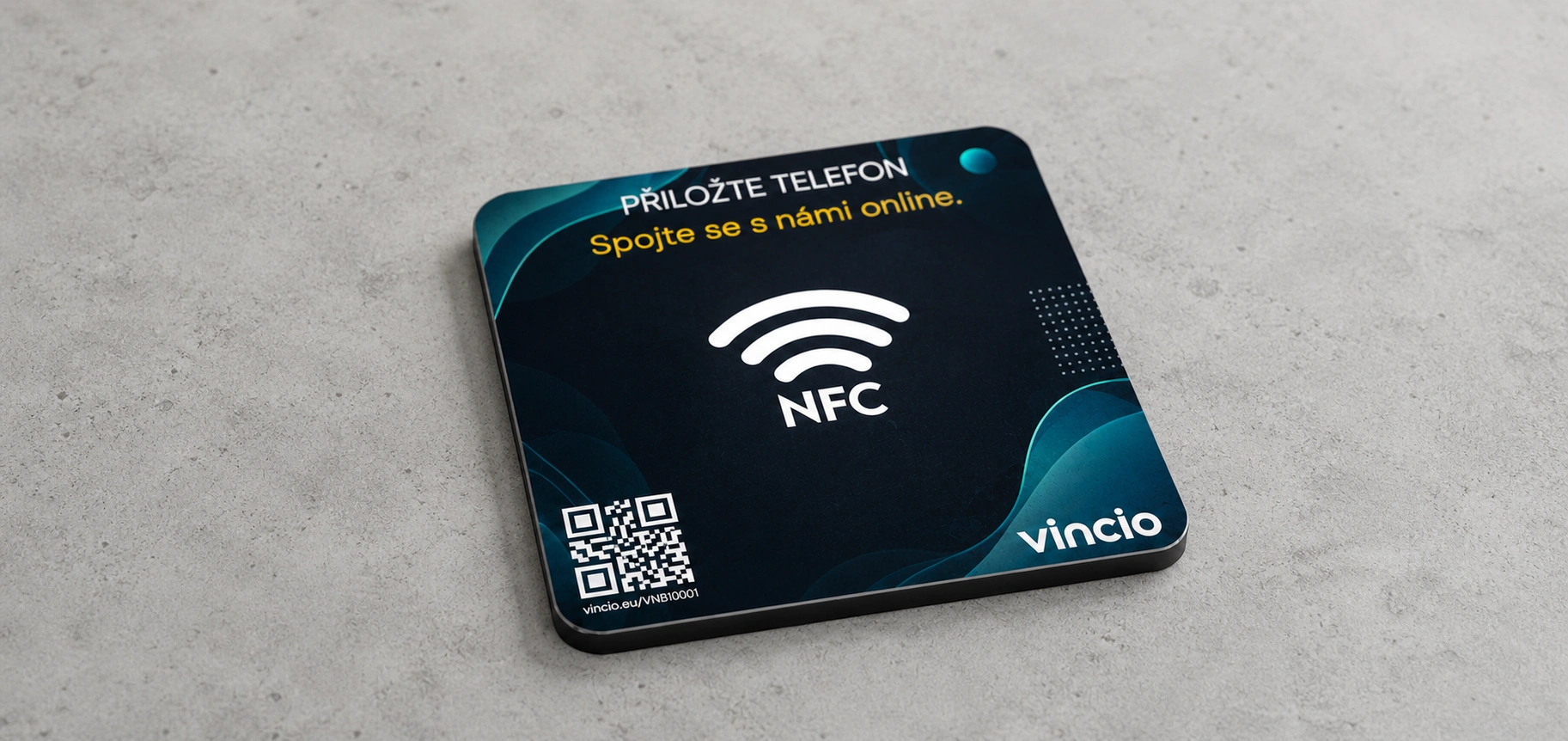
Collect reviews from guests visiting in person too
The widget converts web visitors, while NFC stands capture your happiest guests right at your counter or table. One phone tap opens your review form instantly, no app needed.
Frequently asked questions
Everything you need to know about the Google rating widget.
Is the Google rating widget free?
Yes, completely free. No registration or payment required. Search your business, check the preview, and we will email you the embed code.
How often does the rating update?
Automatically once a day. When you receive a new review, the widget shows it the next day without any code changes.
Will the widget slow down my website?
No. The script is tiny, loads after the page, and fetches only the name, rating, and review count. Styles are isolated so it will not break your layout.
Which websites support the widget?
Anywhere you can paste custom HTML: WordPress, Wix, Webnode, Shoptet, Squarespace, Webflow, or custom HTML sites.
Can I customize the widget appearance?
Yes. For dark websites, add data-theme="dark" to the element with class vincio-rating. It adapts to its container up to 340 px wide.
Does the widget show review texts?
No, only the average rating, total review count, and a button to write a review. Customers can read full reviews directly on Google.
Why does the widget include a Vincio link?
It is a small attribution badge that allows us to offer the widget for free. It contains no ads and does not track your visitors.
How do I remove the widget?
Simply delete the embedded snippet from your page. Nothing else needs to be cancelled.
More free tools: Google review link & QR code · competitor comparison